Albania
 Argentina
 Australia
 Belgia
 Bosnia-Hercegovina
 Brasil
 Bulgaria
 Canada
 Chile
Chile
 Colombia
 Danmark
 Estland
 Filippinene
 Finland
 France
 Hellas
 Irland
 Italia
 Kroatia
 Latvia
 Litauen
 Luxembourg
 Mexico
 Moldova
 Montenegro
 Nederland
 New Zealand
 Nord-Makedonia
 Norge
Norge
 Polen
Polen
 Portugal
 Romania
 Sambandsstatene
 Serbia
 Slovakia
 Slovenia
 Spania
 Storbritannia
 Sveits
 Sverige
 Sør-Afrika
 Tsjekkia
 Tyrkia
 Tyskland
 Ukraina
 Ungarn
 Østerrike



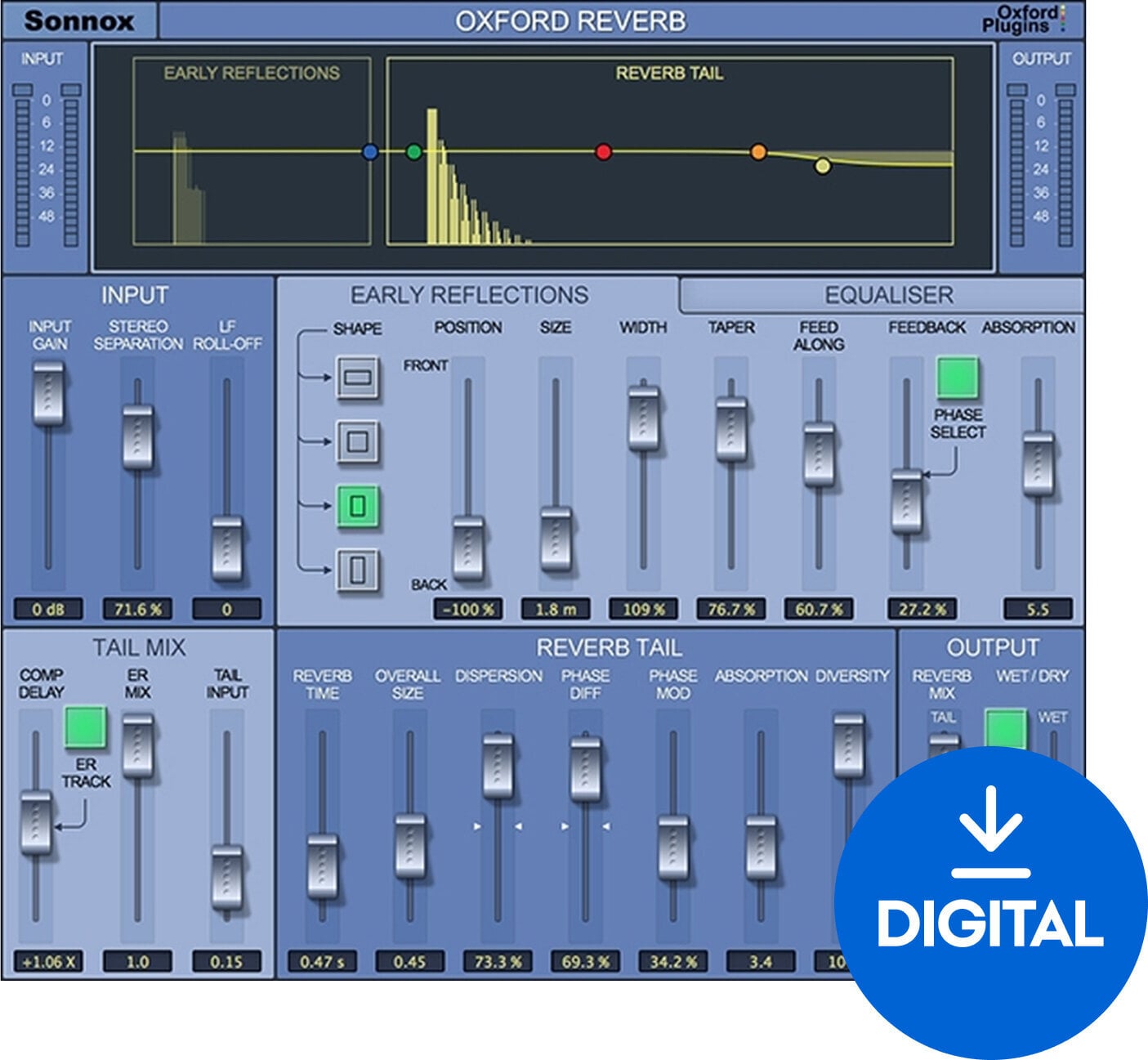

Sonnox Oxford Reverb (Native) (Digitalt produkt)
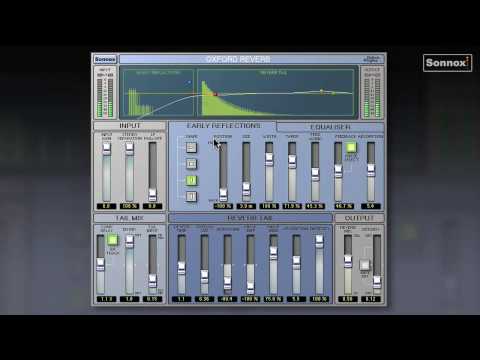
The Oxford Reverb Native by Sonnox is an exceptionally versatile reverb plugin that allows for creating both realistic and imaginative spaces. It features a comprehensive set of parameters to tweak, including early reflection patterns, reverb tail, and extensive control over frequencies within the reverb decay. This makes it ideal for adding depth and atmosphere to anything from intimate vocal tracks to large, complex soundscapes.
The plugin offers a dual-mode operation, where users can choose between a fully customizable reverb for crafting unique spaces or a set of beautifully crafted presets for quick setup. The reverb's detailed parameter adjustments enable fine control over every aspect of the reverb character, making it possible to tailor the sound perfectly to the mix.
Oxford Reverb also includes a stereo imaging control to adjust the stereo width of the reverb effect, enhancing the spatial effect and immersion of tracks. Suitable for music production, film scoring, and sound design, it supports VST, AU, and AAX formats, seamlessly integrating into any digital audio workstation.
DOWNLOAD: http://www.sonnox.com/register
In order use Sonnox plugins, you will need a free iLok account and the iLok Licence Manager installed in order to authorise your plugin and manage the licence. Please see Sonnox helpdesk article - What is iLok? for a detailed overview.
To register for a free iLok account and to create your iLok ID, please follow this link.
After registering, please then download and install the iLok Licence Manager.
After installing Licence Manager on your system, please log in with your new ID and password. Please then go back to your Sonnox order confirmation email, and click on the 'Download' link again to go back to the iLok Licence deposit window. Please then enter your iLok ID where prompted, and this will deposit your licence into your iLok account for you to activate in your newly installed Licence Manager software. You'll then be redirected to the installer page to download the plugin.
Then see the following helpdesk articles for further information on how to store, manage and activate your licences:
Which locations can I use for my Sonnox licence?

License duration
Download
Supported plug-in formats
AAX, VST, AU
Dokumenter
Sikkerhetsinstruksjoner
Se brukerhåndboken for spesifikke sikkerhetsinstruksjoner for dette produktet.