 Albania
 Argentina
 Australia
 Belgia
 Bosnia-Hercegovina
 Brasil
 Bulgaria
 Canada
 Chile
Chile
 Colombia
 Danmark
 Estland
 Filippinene
 Finland
 France
 Hellas
 Irland
 Kroatia
 Latvia
 Litauen
 Luxembourg
 Mexico
 Moldova
 Montenegro
 Nederland
 New Zealand
 Nord-Makedonia
 Norge
Norge
 Polen
Polen
 Portugal
 Romania
 Sambandsstatene
 Serbia
 Slovakia
 Slovenia
 Spania
 Storbritannia
 Sveits
 Sverige
 Sør-Afrika
 Tsjekkia
 Tyrkia
 Tyskland
 Ukraina
 Ungarn
 Østerrike





Sonnox Oxford Drum Gate (Nat)
Sonnox Oxford Drum Gate (Nat)
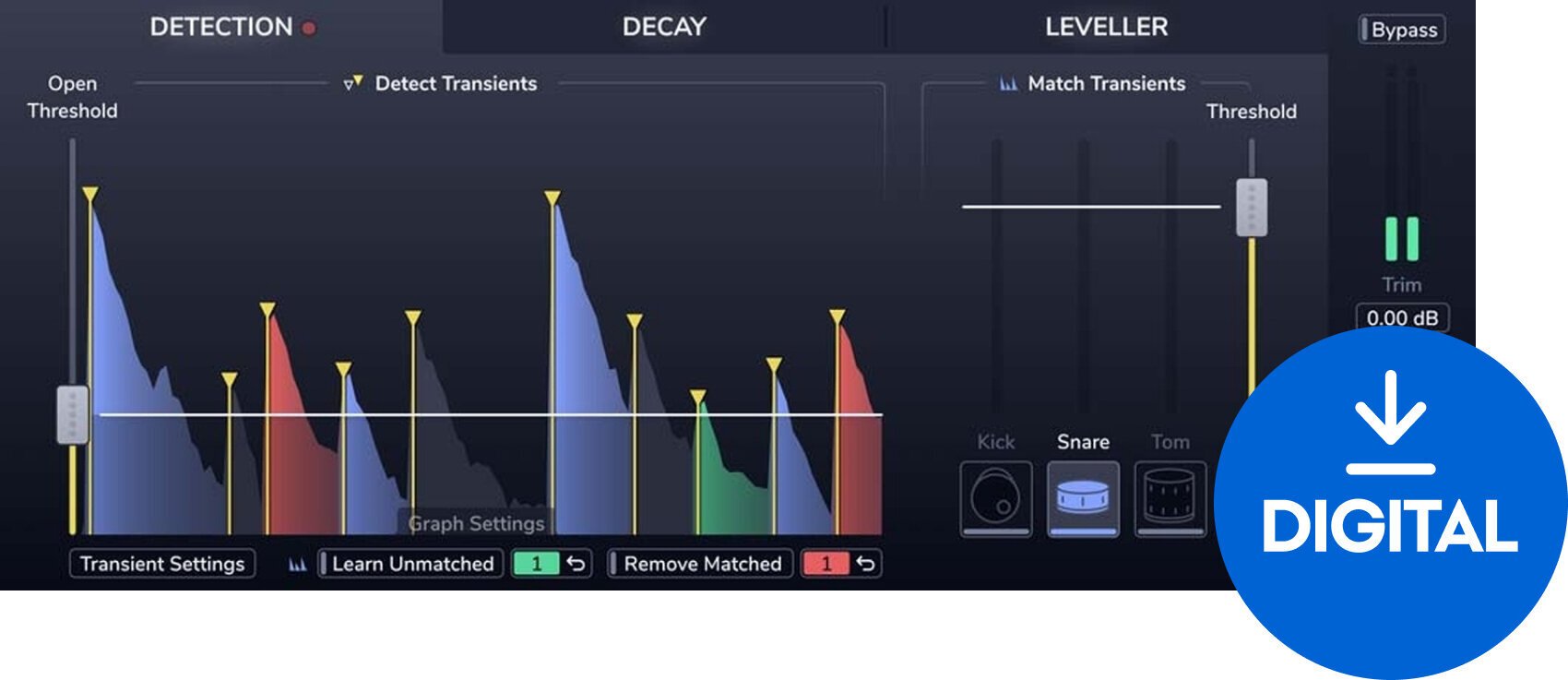
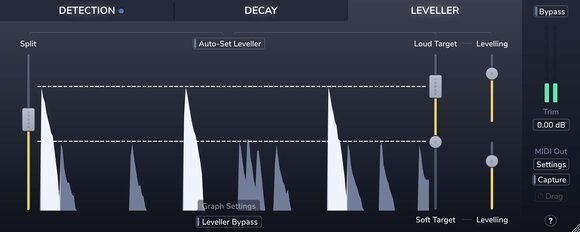
The Oxford Drum Gate Native from Sonnox is an intelligent drum-specific gate plugin designed to precisely distinguish between drum hits and unwanted noise, such as bleed and background noise. Tailored for use with snare, kick, and tom tracks, this plugin excels at delivering clean, punchy drum sounds without the usual artifacts associated with traditional gating methods.
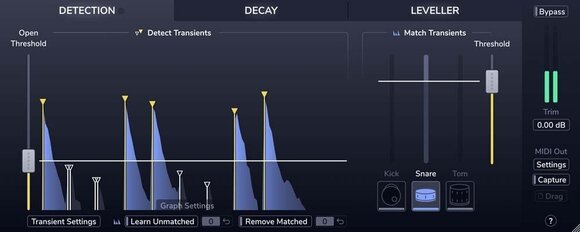
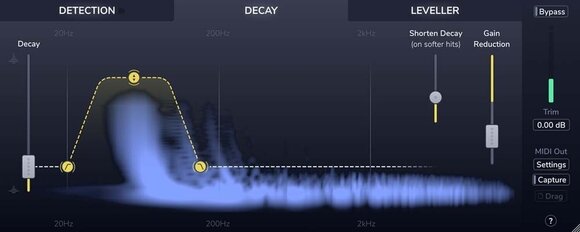
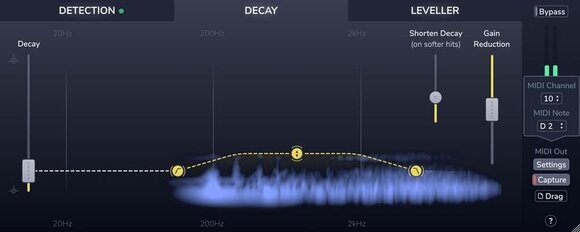
The plugin's sophisticated detection algorithm allows for unparalleled accuracy in drum hit recognition. This enables it to apply gating only when necessary, preserving the natural resonance and dynamics of the drums. The Oxford Drum Gate also features adaptive decay technology, which automatically adjusts the release time based on the drum's natural decay, further enhancing the drum's tonal quality.
Additionally, the plugin offers user-friendly controls that allow for fine-tuning of the detection settings, such as sensitivity, threshold, and decay. It also includes customizable side-chain filtering options to pinpoint exactly which frequencies trigger the gate, providing more control over what passes through the gate and what gets cut off.
Ideal for both studio recording and live performance settings, the Oxford Drum Gate is a must-have tool for any audio engineer looking to achieve pristine drum sounds. It supports VST, AU, and AAX plugin formats and integrates seamlessly into any digital audio workstation.
DOWNLOAD: http://www.sonnox.com/register
In order use Sonnox plugins, you will need a free iLok account and the iLok Licence Manager installed in order to authorise your plugin and manage the licence. Please see Sonnox helpdesk article - What is iLok? for a detailed overview.
To register for a free iLok account and to create your iLok ID, please follow this link.
After registering, please then download and install the iLok Licence Manager.
After installing Licence Manager on your system, please log in with your new ID and password. Please then go back to your Sonnox order confirmation email, and click on the 'Download' link again to go back to the iLok Licence deposit window. Please then enter your iLok ID where prompted, and this will deposit your licence into your iLok account for you to activate in your newly installed Licence Manager software. You'll then be redirected to the installer page to download the plugin.
Then see the following helpdesk articles for further information on how to store, manage and activate your licences:
Which locations can I use for my Sonnox licence?

License duration
Download
Supported plug-in formats
AAX, VST, AU
Basert på antall vurderinger: 1
Alle vurderinger kommer fra verifiserte kunder som har kjøpt et produkt fra oss tidligere.

Italia
Automatisert oversettelse
Dokumenter
Sikkerhetsinstruksjoner
Se brukerhåndboken for spesifikke sikkerhetsinstruksjoner for dette produktet.


